The screen-time tracker that actually tells you something
Screen Ease runs quietly in the background, tracks every site you visit, nudges you to take breaks, and gives you an AI that explains your habits in plain language.
Add to Chrome for free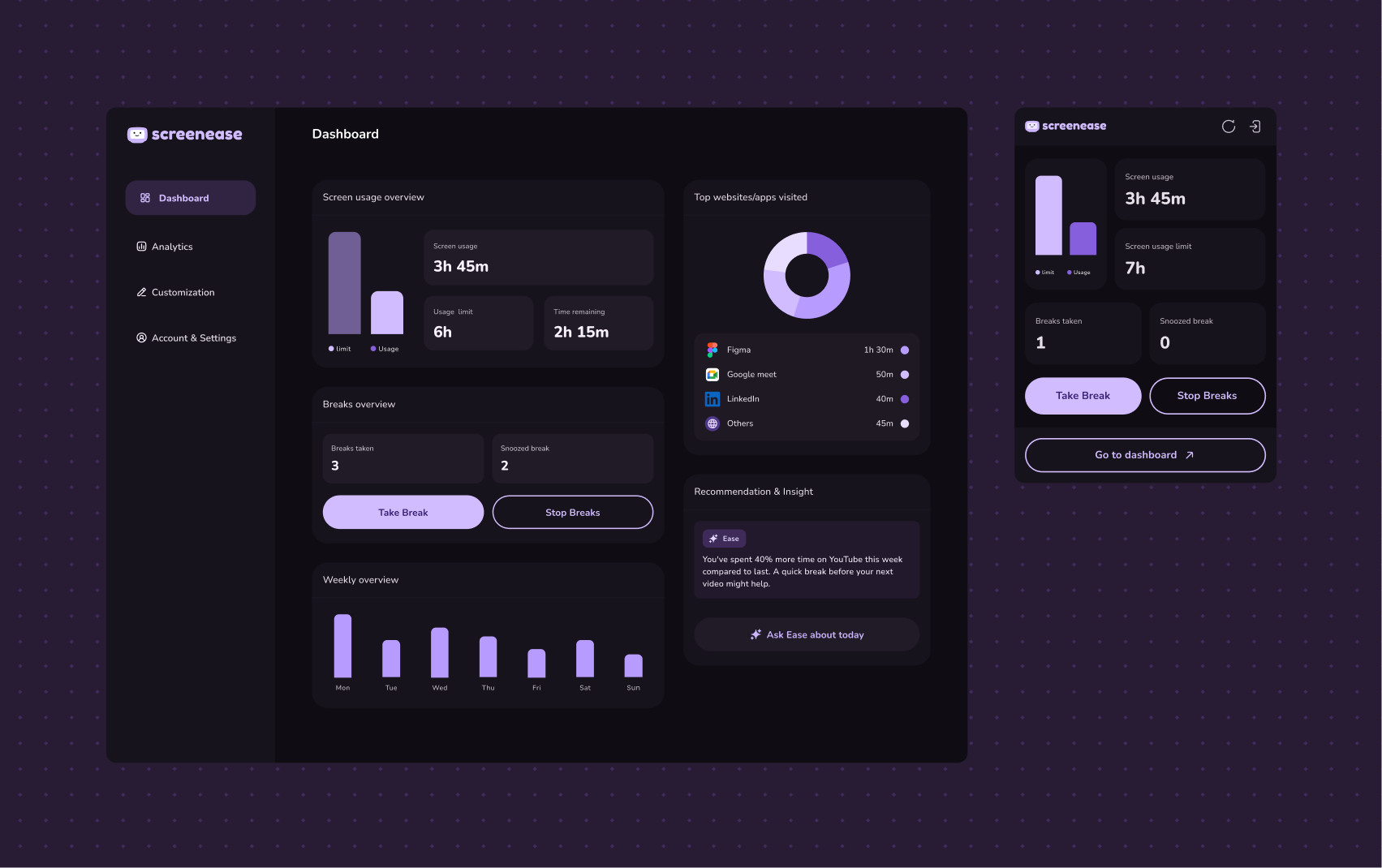
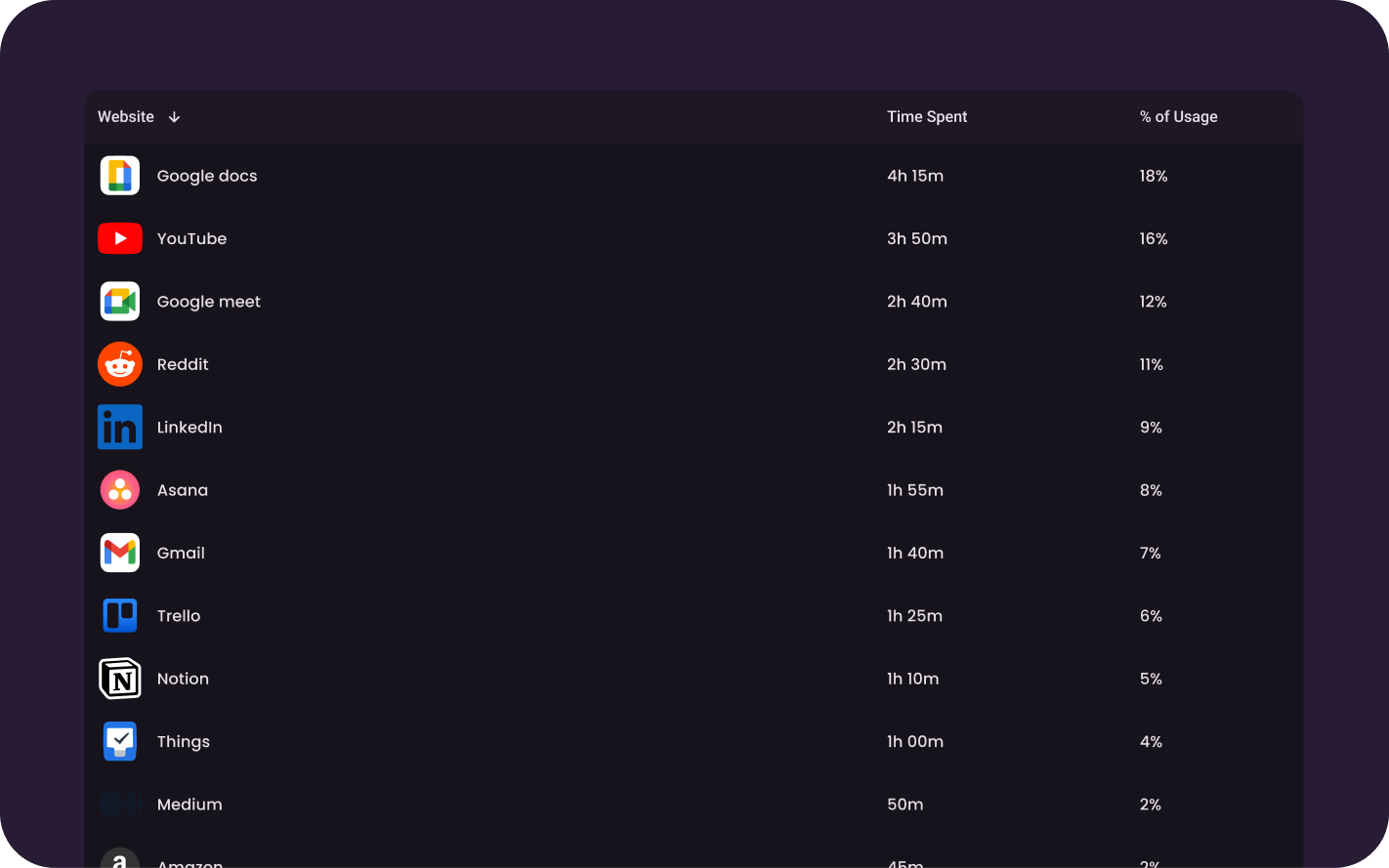
Tracks without thinking
Every site, every tab, logged automatically the moment you install it. No setup, no manual entries. Just open your dashboard and see where your time actually went.
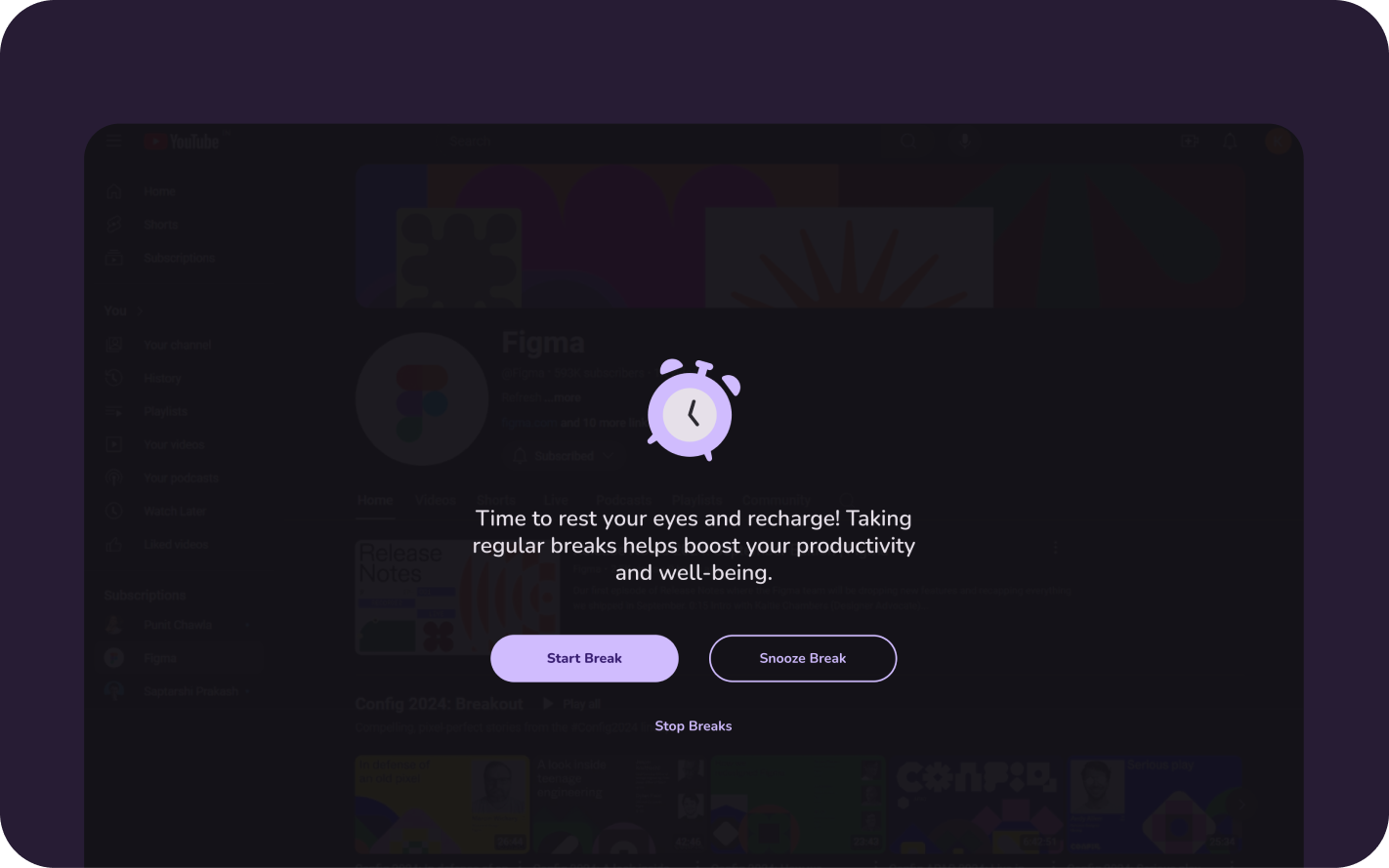
Breaks that actually stick
Screen Ease prompts you at the right moment. Snooze when you're in flow, skip when you're not. You stay in control, it just makes sure you don't forget.
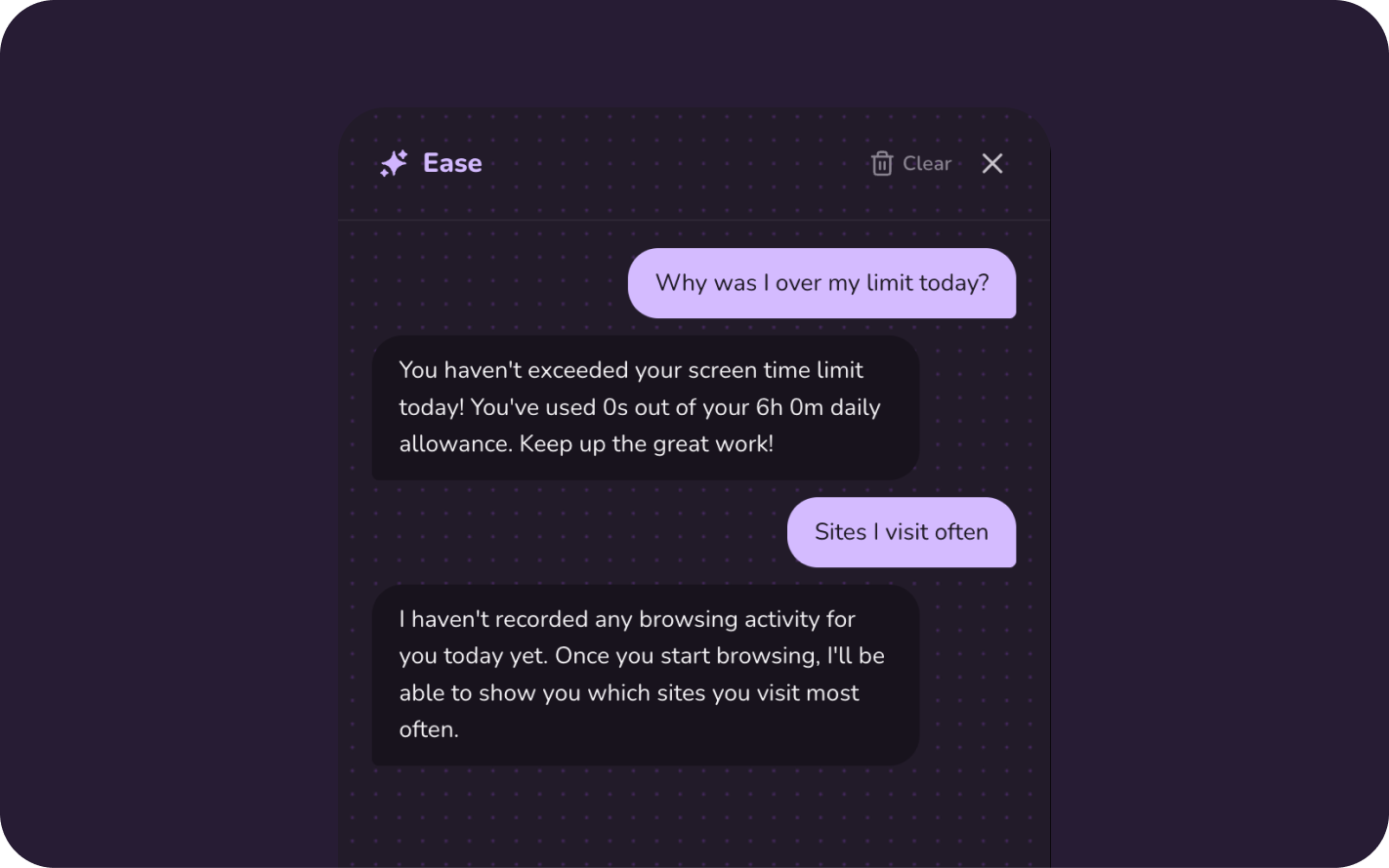
Ask Ease anything
Skip the charts. Just ask why you went over your limit today, or which site is eating your mornings. Ease reads your real data and answers in plain language not more graphs.
How it works
Up and running in 30 seconds
Step 01
Add to Chrome
Install the extension in one click. It starts tracking immediately, no configuration needed.
Step 02
Browse normally
Screen Ease runs quietly in the background. No interruptions, no slowdowns, just silent tracking.
Step 03
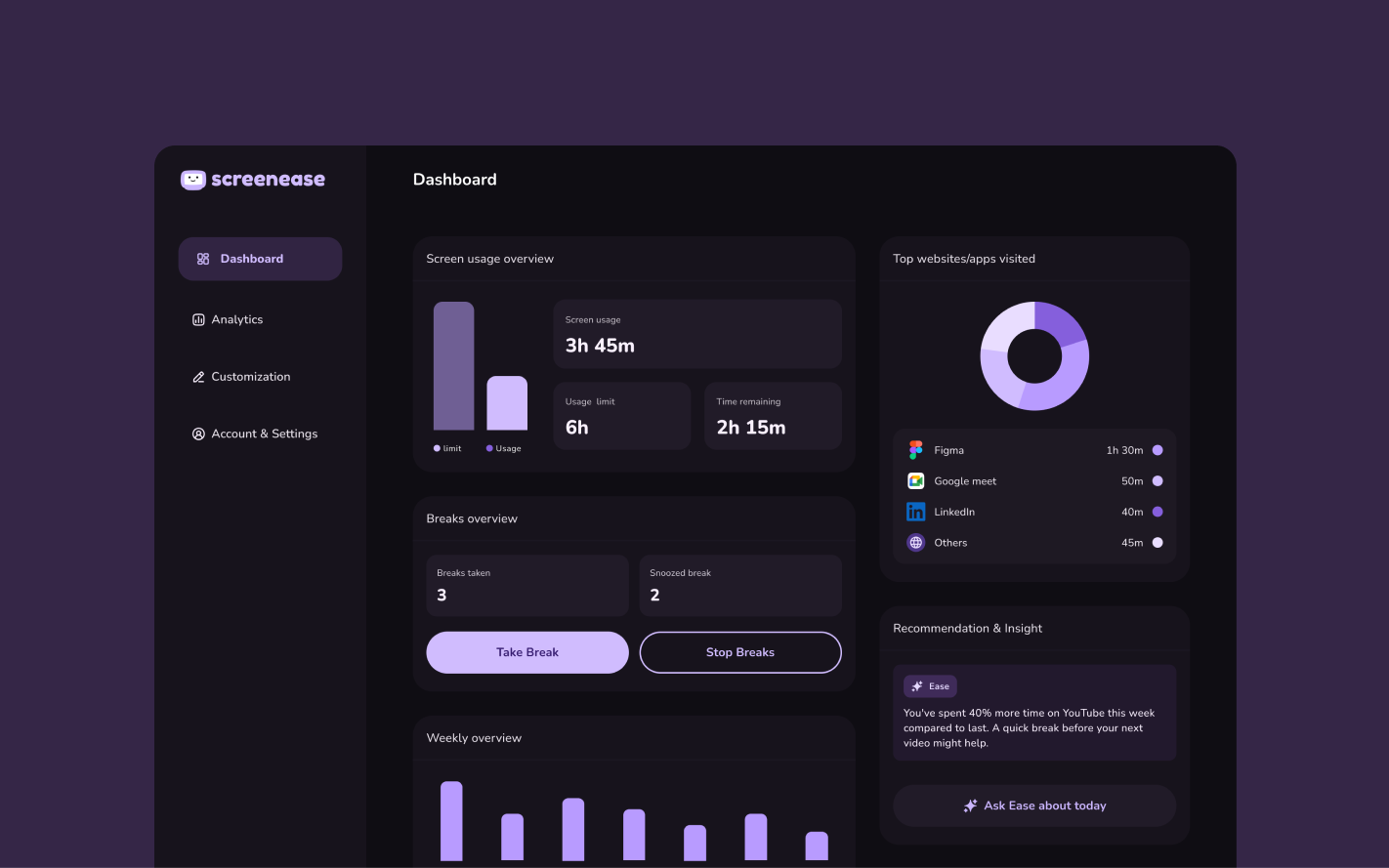
Open your dashboard
See exactly where your time went, set limits, schedule breaks, and ask Ease anything about your habits.
FAQ
Good questions. Here are the answers.
Try it today. Judge it tomorrow.
One install. No setup. Your dashboard will be ready by morning.
Add to Chrome for free